Documentation
PROGuide to AI Citation Tracking
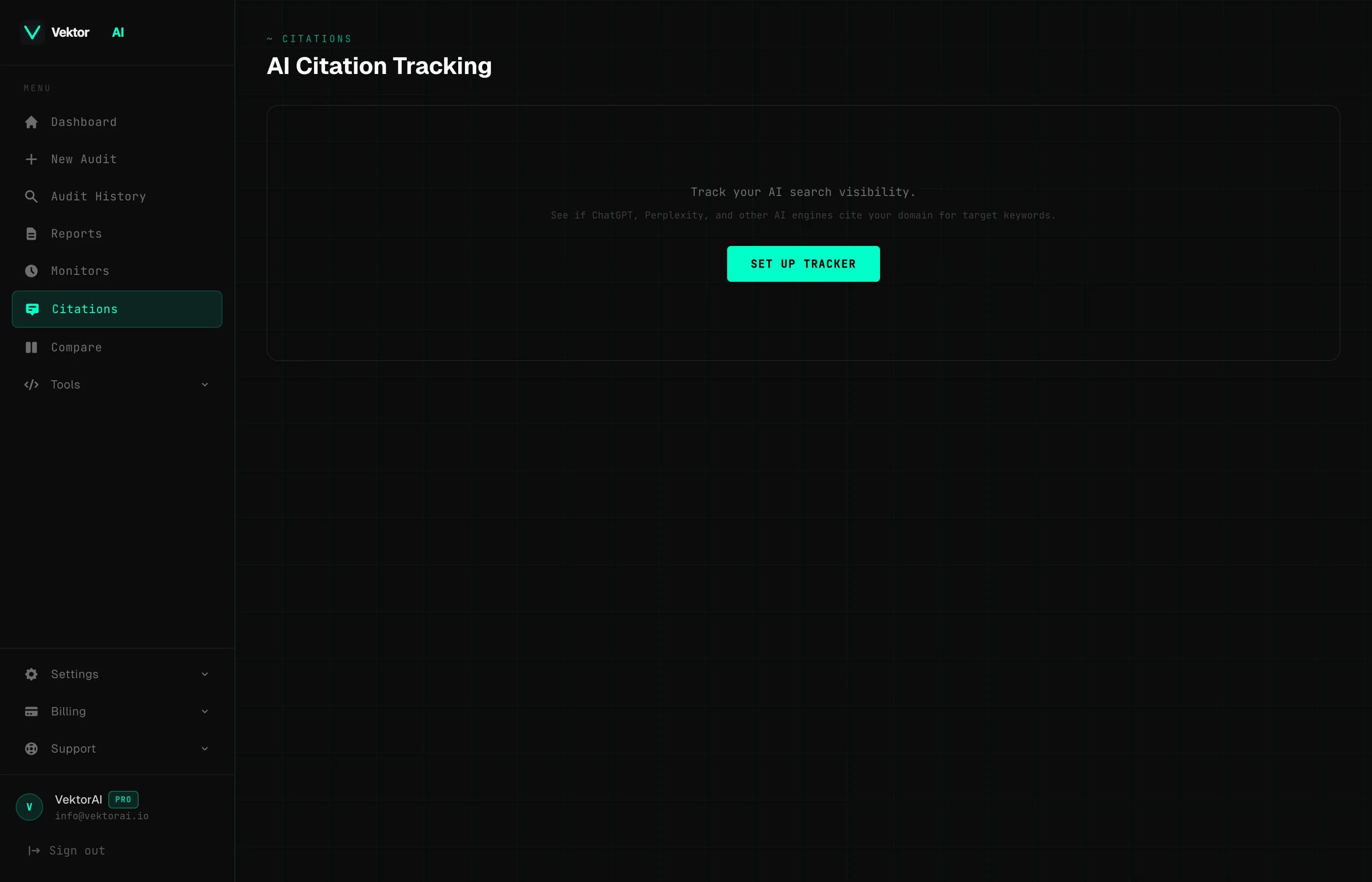
Citation Tracking monitors whether AI-powered search engines cite your domain when users ask about your target keywords. Track your AI visibility score, position changes, and competitor landscape — all automatically on a weekly schedule. Available to Pro users.
TL;DR: Add your domain and up to 10 keywords. VektorAI checks AI search engines weekly and reports whether your domain appears in results and AI-generated answers. Pro feature, 1 tracker per user.
What Citation Tracking Does
Traditional SEO tools track whether your pages rank in Google or Bing. Citation Tracking goes further — it checks whether AI-powered search engines like ChatGPT, Perplexity, and Google AI Overviews actually cite your domain when answering questions about your target keywords. According to a 2025 Gartner report, AI search experiences will account for 25% of all search queries by 2026, making AI citation tracking essential for maintaining visibility.
For each keyword you track, VektorAI checks:
- +Whether your domain appears in the search results
- +Your position in the results (1st, 2nd, 3rd, etc.)
- +Which competitor domains appear alongside you
- +Whether your domain is mentioned in the AI-generated answer
- +Week-over-week position changes
“AI search engines are becoming the primary way users discover and trust new brands — if your domain isn't cited, you're invisible to a growing segment of search traffic.”
— Search Engine Journal, 2025
Visibility Score
VektorAI calculates a composite Visibility Score (0-100) for your tracker based on three weighted factors:
Visibility Score = (Citation Rate × 0.4) + (Position Quality × 0.3) + (Answer Mention Rate × 0.3)

  Citation Rate:      % of keywords where your domain is cited
  Position Quality:   Average position quality (1st = 100, 10th = 10)
  Answer Mention Rate: % of keywords where your domain appears in the AI answer
A score of 80+ means you have strong AI visibility — your domain is regularly cited and often appears in AI-generated answers. Below 50 indicates significant gaps in your AI discoverability that need attention.
Setting Up a Tracker
Go to Citations
Navigate to your Dashboard and select Citations from the sidebar.
Enter Your Domain
Enter the bare domain you want to track (e.g., example.com). Do not include https:// or www. — VektorAI normalizes domains automatically.
Add Keywords
Add up to 10 keywords or phrases you want to track. These should be the queries your target audience might ask an AI search engine. For example: "best project management tools" or "how to optimize website speed".
First Check Runs Immediately
Once you create the tracker, VektorAI runs the first citation check immediately. Subsequent checks run automatically every week — no manual action needed.
Understanding Results
The Citations dashboard displays a summary grid and a keyword-by-keyword breakdown. Here is what each metric means:
Visibility Score
Composite score (0-100) combining citation rate, position quality, and AI answer mentions. Higher is better.
Citation Rate
Percentage of your tracked keywords where your domain appears in AI search results.
Avg Position
Average rank across keywords where you are cited. Position 1 is best.
In AI Answers
Percentage of keywords where your domain is directly mentioned in the AI-generated answer text — not just in the source links.
Top Competitors
Domains that appear most frequently alongside yours in AI search results for your keywords.
Keyword Detail View
Click any keyword to see its full history. The detail view shows:
- +Citation history — whether you were cited each week and at what position
- +Position trend — week-over-week changes with up/down indicators
- +AI answer preview — the actual AI-generated answer text when available
- +Top competing domains — which sites consistently appear for this keyword
- +Historical results table — every check with date, position, citation status, and competitors
Managing Your Tracker
From the Citations section in your dashboard, you can manage your tracker and keywords:
- +Add keywords — add new keywords at any time (up to 10 total)
- +Remove keywords — delete keywords you no longer want to track
- +Change domain — update the tracked domain without losing keyword history
- +Pause tracker — temporarily stop weekly checks without deleting data
- +Resume tracker — re-activate a paused tracker
- +Delete tracker — permanently remove the tracker and all historical data
Limits
Tips for Better Results
Use natural-language keywords
AI search engines respond to conversational queries. Track phrases like "best tools for website speed" rather than short keywords like "website speed".
Include branded and unbranded keywords
Track both your brand name and generic industry terms to understand your total AI visibility.
Review competitors regularly
The top competitors section shows which domains AI engines prefer for your keywords. Study their content structure for insights.
Combine with VektorAI audits
Run audits on your pages and apply AEO/GEO fixes. Then track whether your citation rate improves over the following weeks.