Documentation
PROGuide to Monitors
Monitors automatically re-audit a URL on a schedule and track score changes over time. Get email alerts when any score drops below your threshold. Available to Pro users.
TL;DR: Schedule weekly or monthly audits on any URL and get email alerts when scores drop below your threshold. Pro feature, up to 10 monitors.
What Monitors Do
A monitor watches a single URL by running a full VektorAI audit on a recurring schedule — either weekly or monthly. Each audit produces scores for SEO, AEO, GEO, and Performance, which are stored and plotted over time so you can track how your optimization efforts are affecting your site. According to a 2025 Ahrefs study, sites with weekly monitoring detect ranking drops 4x faster than those relying on manual checks.
When any of the four scores drops below a threshold you set, VektorAI sends you an email alert with the specific scores that dropped and a direct link to your dashboard. Monitors run automatically on a cron schedule — no manual action is needed after setup.
This is a Pro feature. Pro users can create up to 10 monitors.
“Continuous monitoring is the foundation of proactive SEO — catching regressions before they impact rankings saves weeks of recovery time.”
— Ahrefs Research
Creating a Monitor
Go to Monitors
Navigate to your Dashboard and select the Monitors section from the sidebar.
Click New Monitor
Click the "New Monitor" button to open the creation form.
Enter URL
Paste the public URL you want to monitor. This is the page that will be audited on every scheduled run.
Choose frequency
Select how often the monitor should run: Weekly (every 7 days) or Monthly (every 30 days).
Set alert threshold
Set a score threshold between 0 and 100. When any score (SEO, AEO, GEO, or Performance) drops below this number, you receive an email alert.
Alert Threshold
The alert threshold is a single score value (0-100) that applies across all four audit categories. After each scheduled audit run, VektorAI compares the SEO, AEO, GEO, and Performance scores against your threshold. If any one of them falls below the threshold, an alert email is sent.
Example: Threshold set to 70

  SEO: 82  ✓ Above threshold
  AEO: 65  ✗ Below threshold → alert triggered
  GEO: 74  ✓ Above threshold
  Perf: 71 ✓ Above threshold

Result: Email alert sent (AEO dropped below 70)
Setting the threshold to 0 effectively disables alerts — scores cannot go below zero. Setting it to 100 means you will be alerted whenever any score is not perfect. For example, if your GEO score drops from 85 to 62 after a content update, the monitor triggers an email alert so you can investigate immediately.
Score Trends
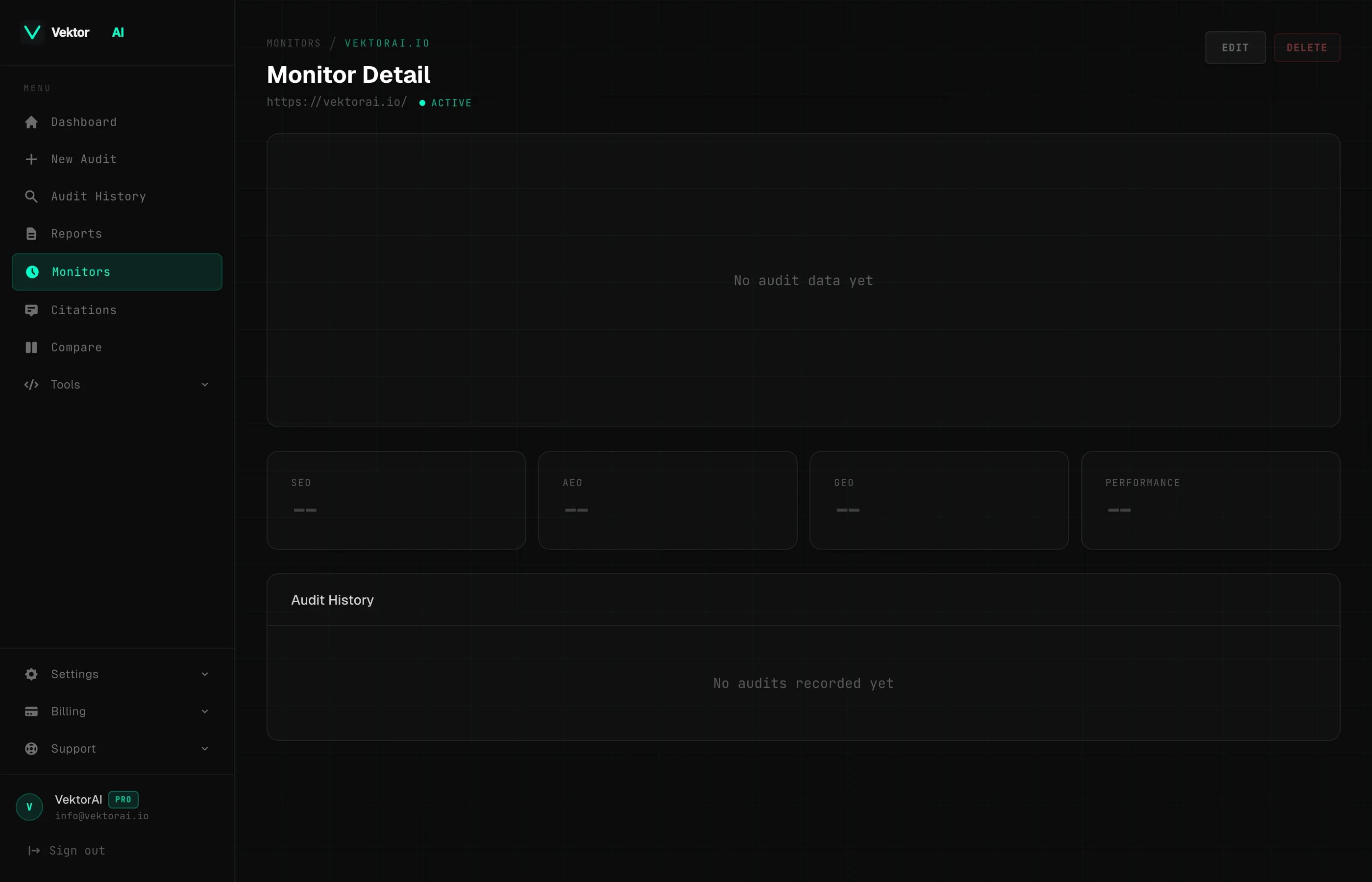
Each monitor maintains a history of every audit run. On the monitor detail page, you will see a trend chart that plots all four scores over time. This makes it easy to:
- +Track whether your optimization efforts are improving scores
- +Spot regressions after deploying site changes
- +Compare score trajectories across SEO, AEO, GEO, and Performance
- +Identify which category needs the most attention
The more data points you collect, the clearer your trend lines become. Weekly monitors give you more granular data, while monthly monitors provide a longer-term view with less noise. According to a 2025 Ahrefs study, approximately 1 in 4 pages experience a meaningful ranking or score shift within 30 days, making continuous monitoring essential for catching regressions early.
Managing Monitors
From the Monitors section in your dashboard, you can manage all of your active and paused monitors.
- +Edit URL — change the monitored page without losing historical data
- +Edit frequency — switch between weekly and monthly schedules
- +Edit threshold — raise or lower the alert threshold at any time
- +Pause — temporarily stop a monitor from running without deleting it
- +Resume — re-activate a paused monitor to pick up where it left off
- +Delete — permanently remove a monitor and its history
Limits
Email Alerts
How do email alerts work?
When a scheduled audit detects that one or more scores have dropped below your threshold, VektorAI sends an email alert to the address associated with your account. The alert email includes:
- +The monitored URL
- +The specific scores that dropped below the threshold
- +The current value of each score
- +Your configured threshold value
- +A direct link to the monitor in your dashboard
Alerts are sent once per audit run. If the same scores remain below the threshold on the next run, you will receive another alert. This ensures you are aware of persistent issues until they are resolved.
Cron Schedule
Monitors run automatically on a server-side cron schedule. You do not need to manually trigger audits or keep your browser open. The system handles everything:
- +Cron job checks for monitors due to run based on their frequency
- +A full audit is executed for each due monitor
- +Scores are recorded and trend data is updated
- +If any score is below the threshold, an email alert is dispatched
- +The next run date is calculated and scheduled automatically